Overview
What is a store-based site?
A store-based site is built to drive store visits, bookings, and inquiries for physical locations.
For local businesses such as hair salons, schools, restaurants, fitness clubs, medical facilities, and retail stores, the website is often where customers first learn about you before visiting.
People now find places to go through search engines, map services, social media, and AI search. A store-based site has to do more than introduce the store. It needs to be easy to find in local search, easy to compare, and easy to follow all the way to a visit.
Companies with stores in many areas need to organize store, area, and service information and design one consistent path to a visit.
A store-based site presents each store’s strengths and also carries headquarters’ marketing strategy and brand policy out to each location.
Challenges
Common challenges in retail and local business website operations
- Store information updates fall behind
- Local search optimization falls short in some areas
- Information drifts out of sync with Google Business Profile and social media
- Operations get messier as the number of stores grows
- Booking and inquiry paths differ from store to store
- Campaigns from headquarters don’t reach the stores
- Store information doesn’t show up well in AI search or map search
!
PubPla fixes these problems at the structural level
PubPla manages store, area, and service information in one structure. That eases the work of updating many stores, local SEO, and syncing with Google Business Profile and social media. You can raise each store’s search rankings, roll out campaigns from headquarters, and design one consistent path to a visit, so operations stay steady as you add stores. The structure also suits AI search and gives customers more to go on before they visit.
Features
PubPla features for retail and local business website operations
CMS
Multi-area SEO (local search)
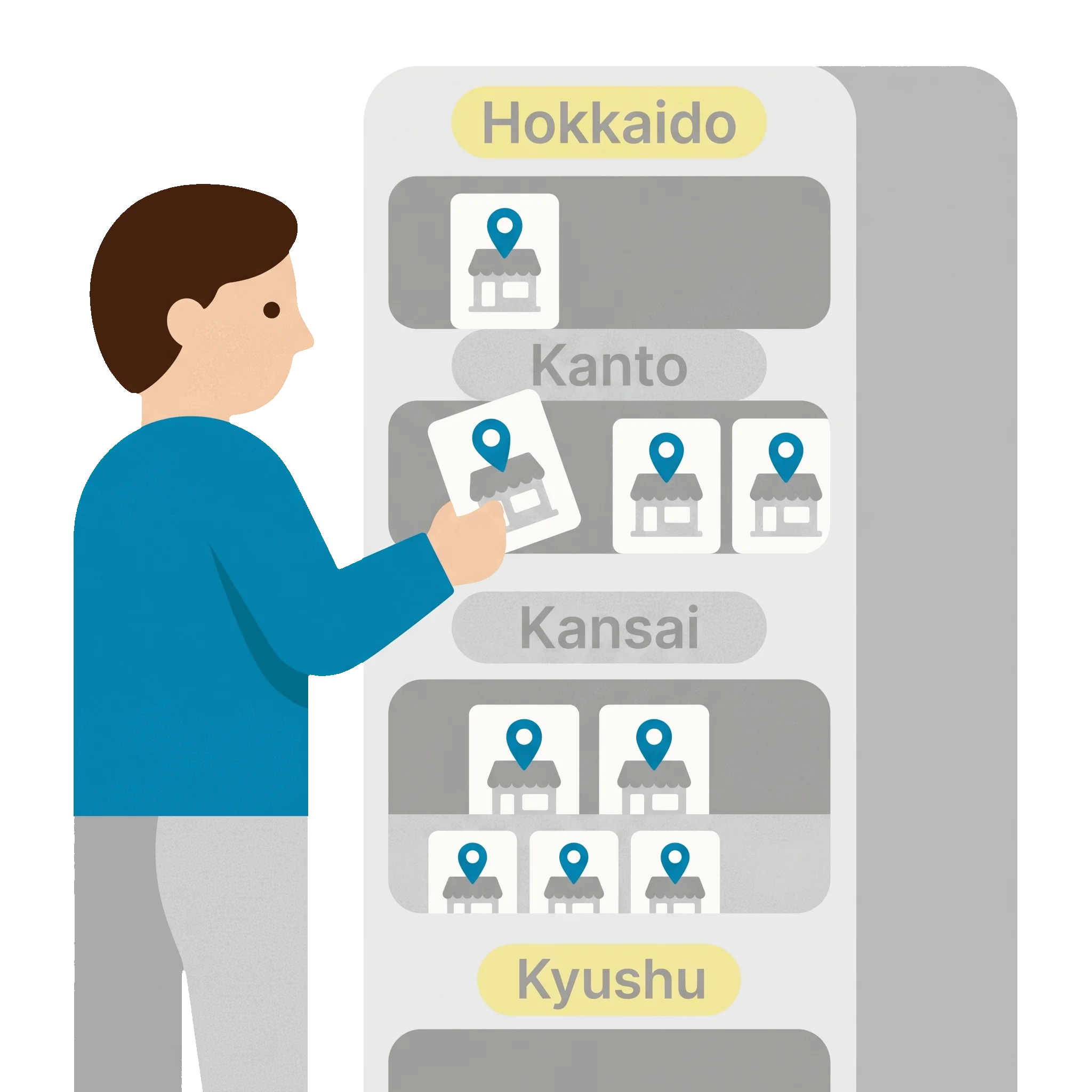
Build page structures that match searches like area name plus service name. Organizing each store’s information by area tells search engines and AI search clearly which locations you serve. When you open stores or enter new areas, you add pages in the same structure and build on existing rankings.
This brings more traffic from local search and helps each store attract customers, so you reach more people who are likely to visit.
CMS
Google Business Profile integration
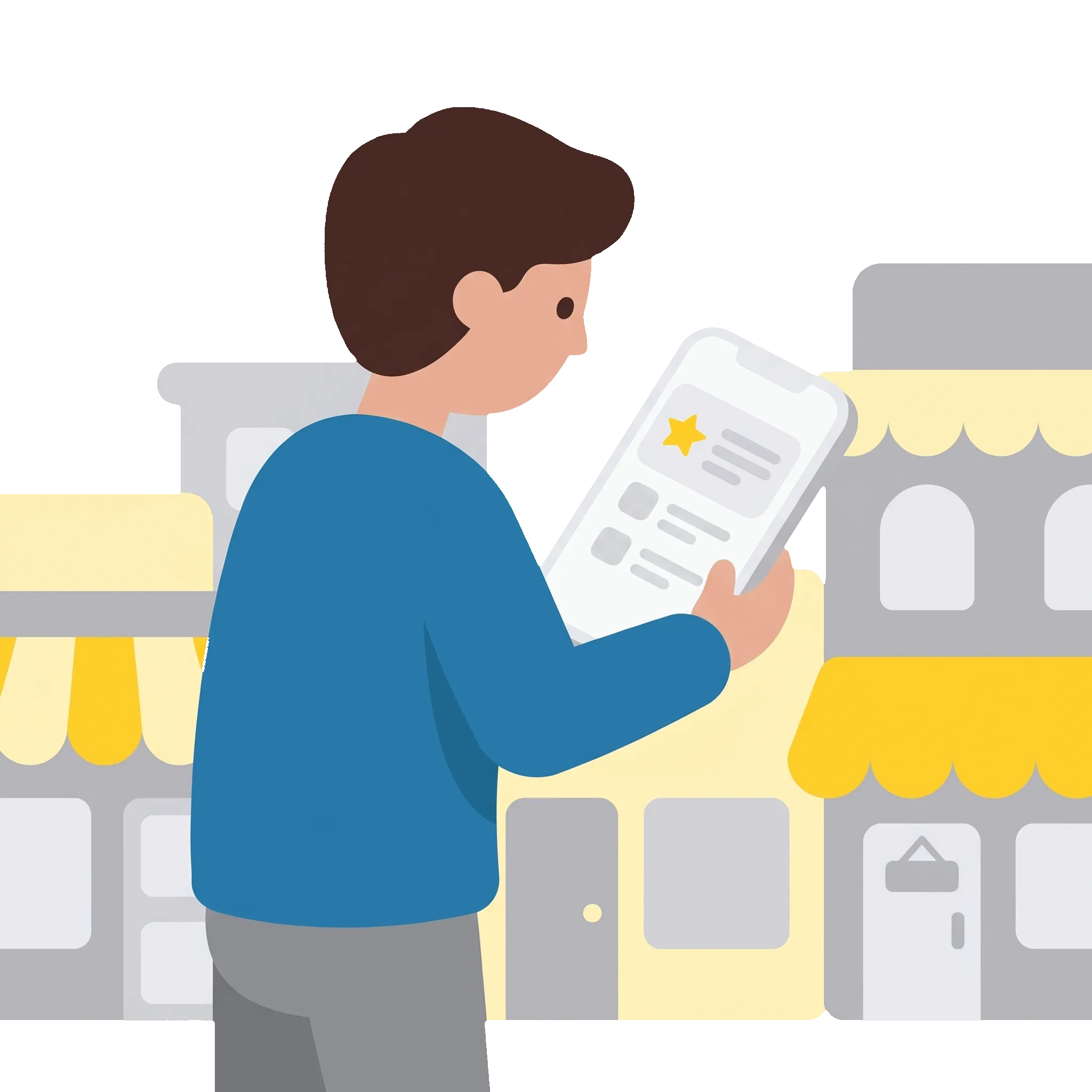
Sync store information, posts, and campaigns with Google Business Profile so your website and map listings stay consistent. You spend less time on updates and can gain more exposure in search results and on maps.
Customers have more ways to learn about you before visiting, so they can decide to visit with confidence. Faster updates also make it easier to keep campaigns running.
CMS
LINE integration (pre-visit follow-up and stronger booking paths)
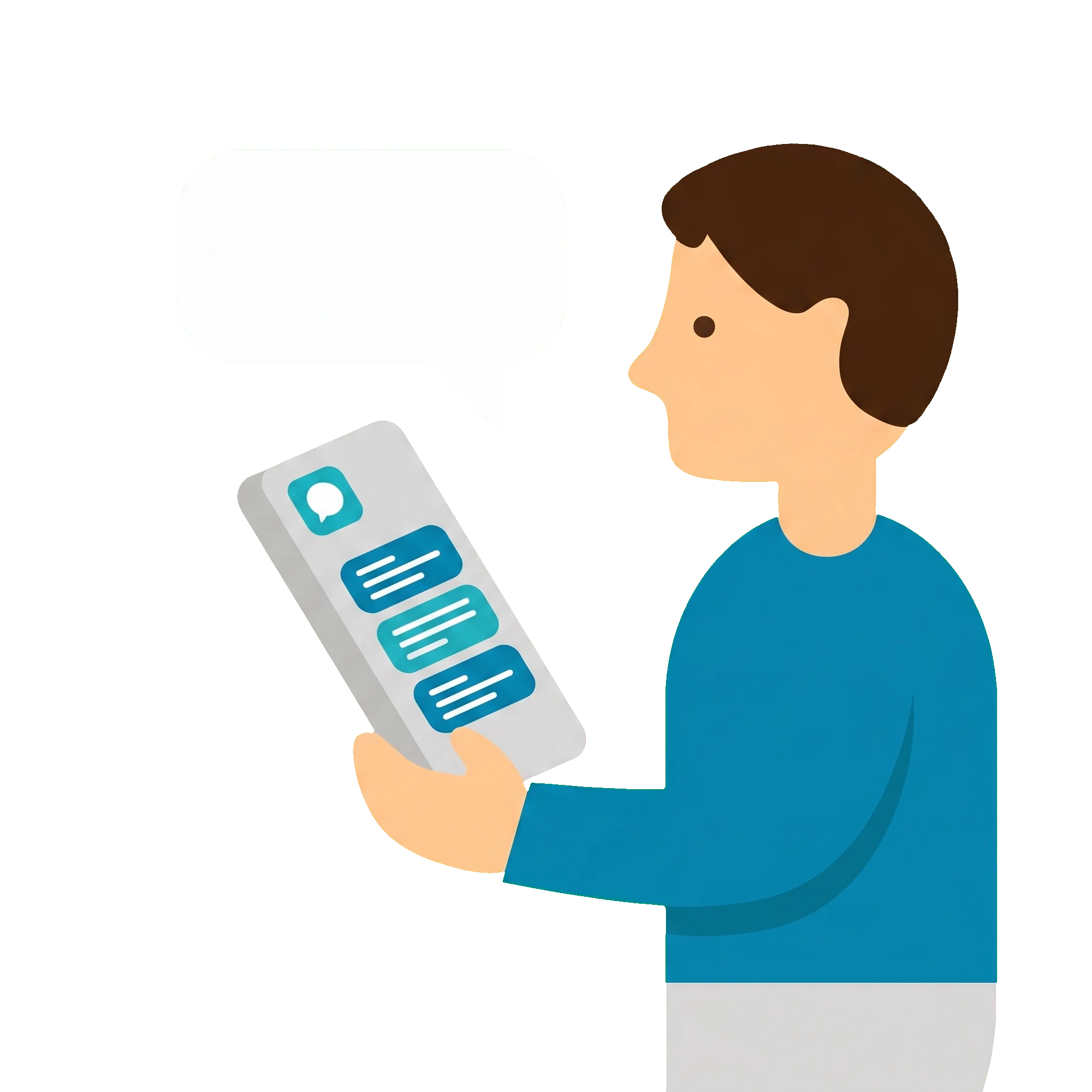
Connect booking forms and inquiry paths to LINE to plan communication before and after a visit. Automatic replies, booking confirmations, and campaign messages keep you in touch with customers.
This can reduce drop-off after an inquiry, raise booking rates, and bring more visits and repeat customers.
Central store information management
CMS
Manage basic details, services, hours, and campaigns for every store in one place. This avoids tedious updates and missed changes and keeps information reliable across many stores.
Multi-area SEO (local search)
CMS
Build page structures that match searches like area name plus service name. Organized store information makes it easier for nearby customers to find you.
Social media integration and publishing support
CMS
Connect with Instagram, LINE, and other social media to publish campaigns and news efficiently. This helps each store stay in touch with its customers.
Rolling out campaigns and events across stores
CMS
Push campaigns and announcements from headquarters out to many stores efficiently. Messaging stays consistent while each store can still make its own adjustments.
An easy-to-update CMS
CMS
Day-to-day updates are simple, so store information stays current. Operations keep running even when the person in charge changes.
Store search and path optimization
CMS
Support searches by current location, area, and conditions with a path that helps customers quickly find a store near them.
Booking and inquiry path optimization
CMS
Use forms and LINE integration so customers can book a visit or send an inquiry without friction. This makes visiting an easier decision.
Presenting each store’s features and services
Radar
Show clearly how stores differ in facilities, staff, and services. Easier comparison helps customers decide to visit.
Multilingual and multi-area support
CMS
Run store pages in multiple languages for international customers and tourists. When you expand into new areas, the site structure stays the same.
Store information structured for AI search
CMS
Organize store information, reviews, and service descriptions so AI search can reference them. This helps you show up when people search for places near them.
Visit and consideration data (behavior analytics)
Radar
Gauge interest from viewing history and return visits, and prioritize the customers most likely to visit.
Use cases
How it can work
For companies with many stores in many areas, you can consider a PubPla setup that combines information architecture, search paths, and operations infrastructure to address their challenges. Here are some examples for store website operations.