Overview
What is lead generation and conversion optimization?
A website needs to do more than attract visits. It has to guide users toward actions that produce results, such as inquiries, document requests, bookings, and member sign-ups.
In B2B and high-value services in particular, users compare several pages before they decide, so when and which information you present has a large effect on conversion rates.
For that reason, lead generation and conversion optimization goes beyond adding a form. It involves:
- Designing paths for each stage of consideration
- Structuring information so it is easy to compare
- Analyzing user behavior and continuing to improve
- Connecting with sales activities and lead management
These are now expected.
PubPla combines the Knowledge-Structured CMS (PubPla CMS) with Behavioral Analytics Infrastructure (PubPla Radar). Beyond bringing in more inquiries, it supports lead generation and ongoing improvement that produce results.
PubPla’s lead generation and conversion optimization features
CMS
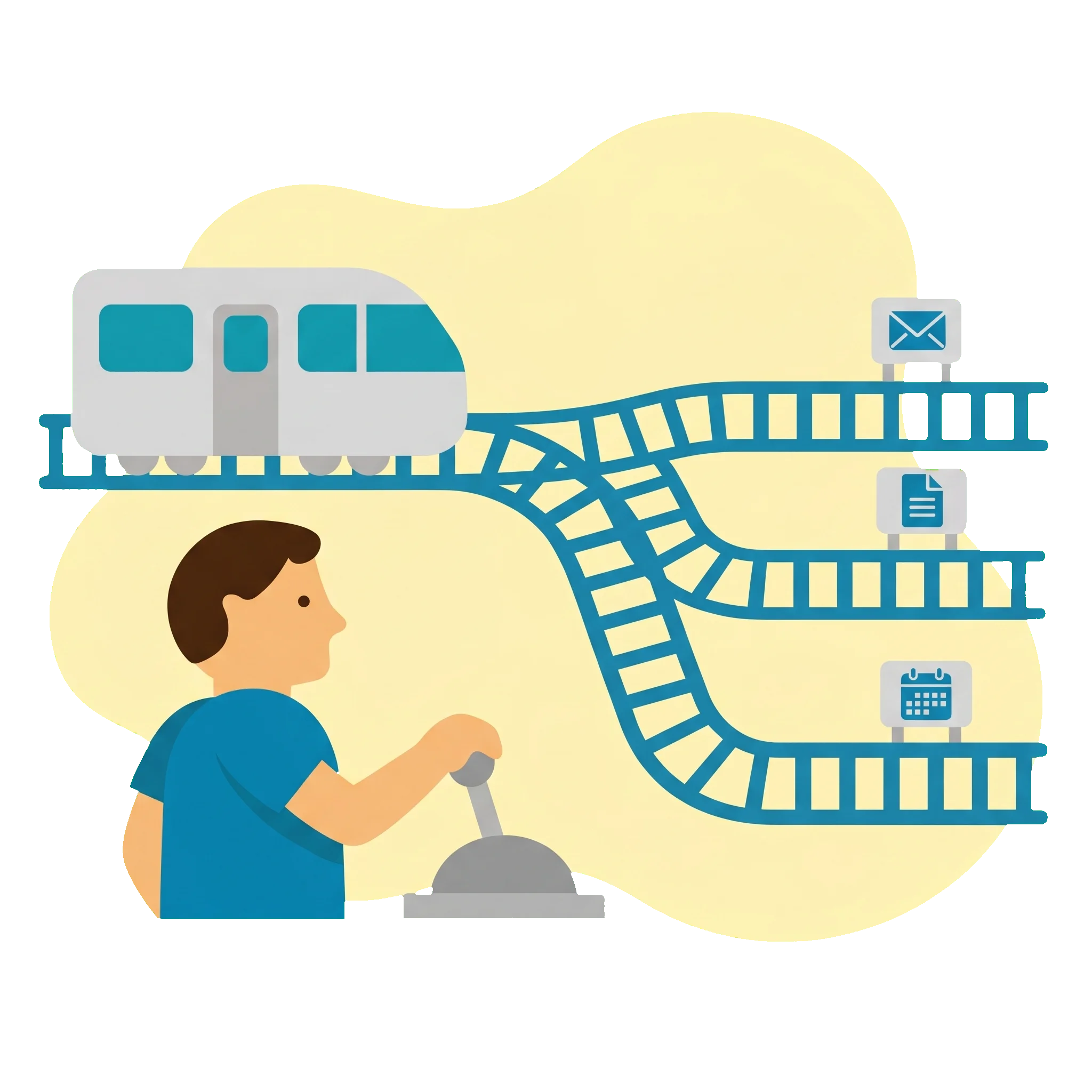
CTA placement and path management
Design and manage CTA placement and path patterns on each page. Build a structure that guides users to inquiries, document requests, bookings, and other actions at the right time, based on their stage of research and what they are reading.
Optimizing the flow from first contact to conversion reduces drop-off and gives you more chances to reach users. You can also keep refining these paths over time.
CMS
Comparison pages
Organize comparison information for products, services, and plans into pages that are easy to evaluate. Laying out pricing, features, benefits, and buying guidance systematically helps users understand their options.
Users can resolve concerns and questions while they compare, so they feel more confident before they inquire and conversion rates improve.

Radar
Inquiry behavior analysis
See browsing history and comparison behavior before and after an inquiry, and find out which pages and content lead to results. Analyze each user’s research patterns and interests to inform improvements and sales follow-up.
This improves inquiry quality and helps you decide whom to contact first. It also gives you a way to keep improving the paths and content that produce results.

Lead path design
In-content path optimization
CMS
Design site navigation across articles, product pages, case studies, and more, helping users find information in the order they need it as they research.
Landing page building infrastructure
CMS
Build dedicated landing pages for campaigns and ad traffic. Design the right conversion path for each message.
Research navigation
CMS
Create navigation by use case, challenge, industry, and other angles users research from. Users can reach the information they need for their goal more easily.
Conversion features
Form design and branching
CMS
Branch forms based on the type of inquiry and the user’s attributes. You collect the information you need efficiently and can respond better.
Step forms
CMS
Present form fields in stages. This lowers the effort of filling in the form and can raise completion rates.
Resource Download management
CMS
Manage white papers, catalogs, case study documents, and more in one organized place. Offering information suited to each stage of research creates more lead generation opportunities.
Quotes and simulations
CMS
Add pricing estimates and quote tools where users enter their conditions. This encourages concrete research and makes users more willing to inquire.
Booking and visit requests
CMS
Set up forms for store visits, consultations, trial sign-ups, and similar requests. You can build a path from online touchpoints to offline ones.
Lead analytics and sales integration features
Consideration Depth Scoring and prioritization
Radar
Gauge each user’s level of interest from behavior data. Seeing who to contact first makes sales more efficient.
Returning visitor detection
Radar
See when users who inquired in the past come back. Plan follow-ups that match the moment they reconsider.
Conversion content analysis
Radar
Analyze the pages and paths that led to inquiries. Use the results to decide which content to improve.
Lead history and sales integration infrastructure
Radar
Share inquiry history and browsing behavior with your sales team. Sales can prepare better for meetings, and response quality stays consistent.